 DrawnCamera
DrawnCamera press kit
Look stunning on every call.
DrawnCamera is a virtual camera for Windows 11 that changes your background and your look live, in Zoom, Teams, Google Meet, Discord, OBS and any other app that uses a camera.
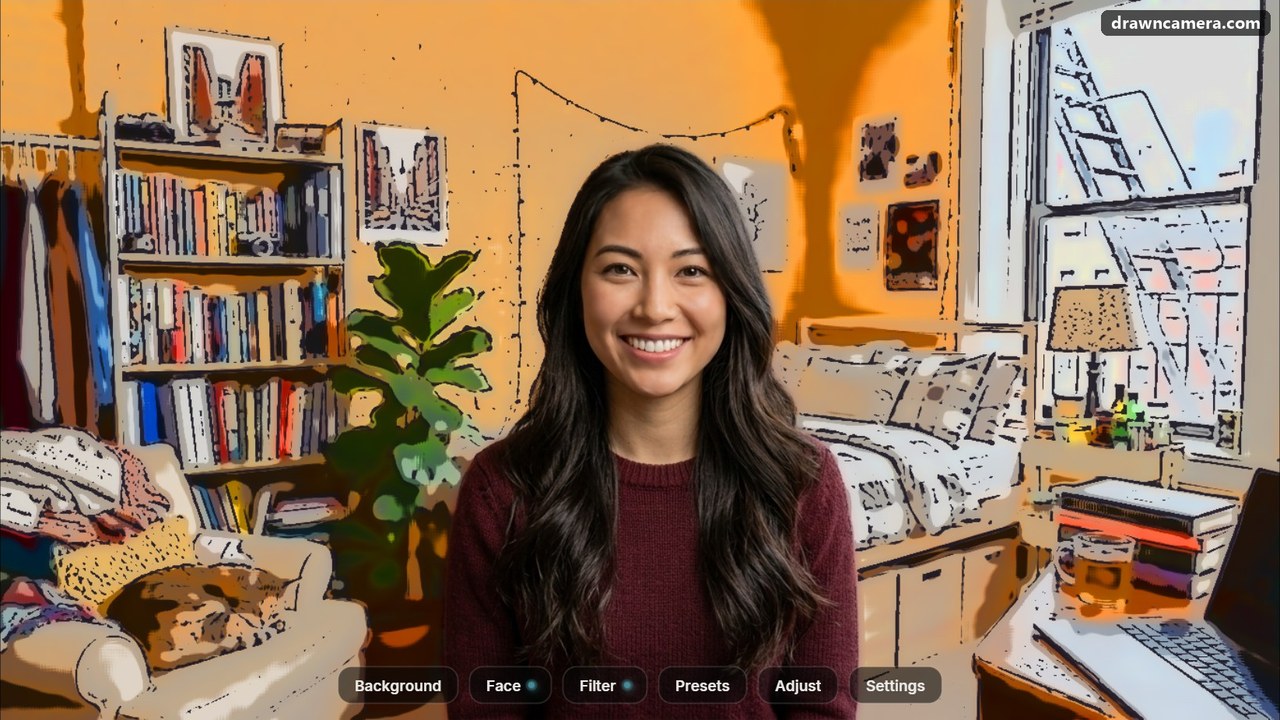
Most video calls show the same tired webcam picture. DrawnCamera is a virtual camera for Windows 11 that sits between your webcam and every app that uses it: Zoom, Microsoft Teams, Google Meet, Discord, OBS and the rest. You choose "DrawnCamera" as the camera once, and the app does the rest.
The cut-out runs live on your own graphics card, with no driver and no cloud. No NVIDIA card is needed: AMD and Intel graphics work too. The app is in 11 languages: English, German, French, Spanish, Italian, Portuguese, Russian, Serbian, Japanese, Korean, Traditional Chinese.
Tune your webcam
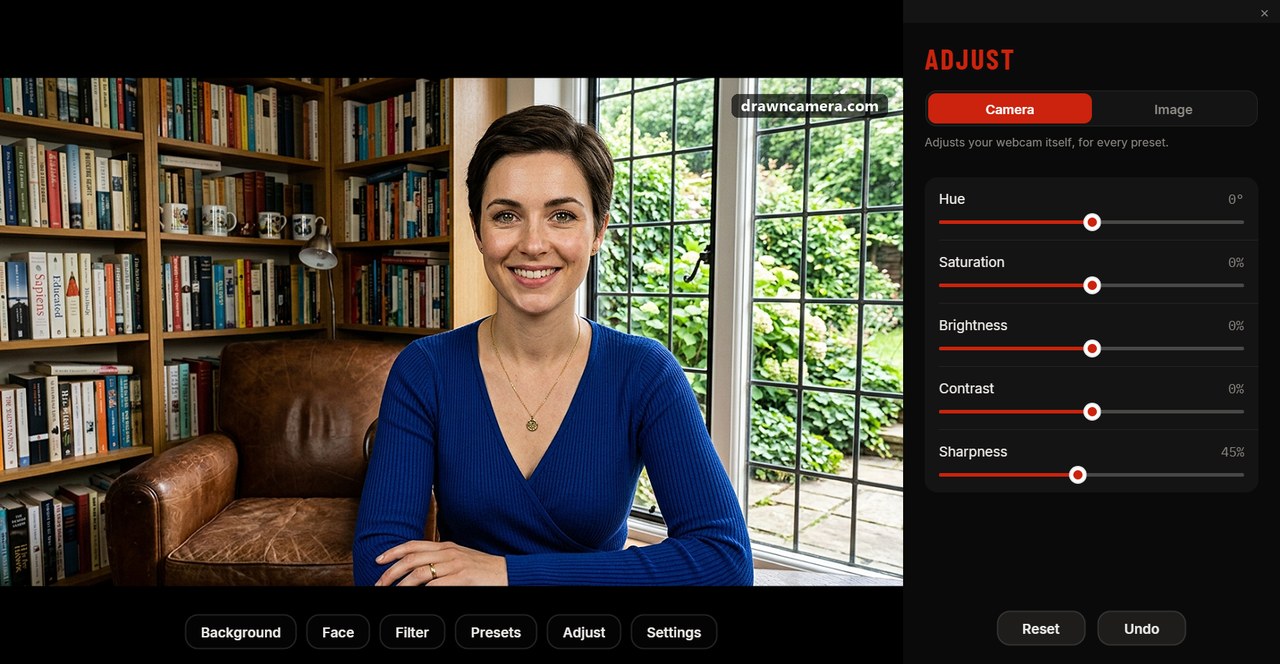
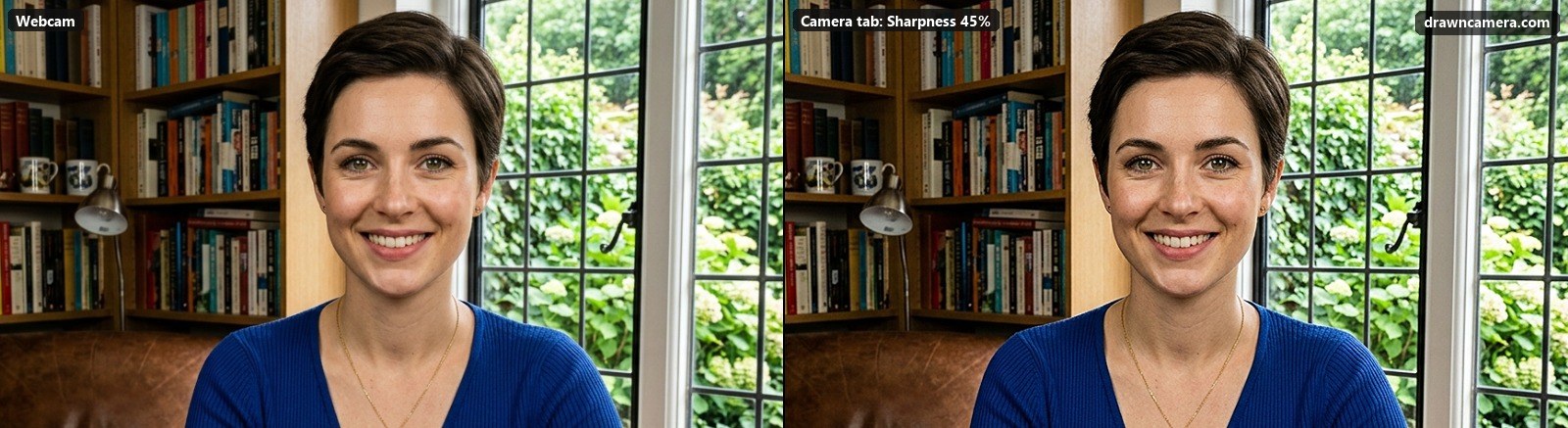
Adjust has two tabs. Camera tunes the picture from your webcam itself, for every preset: sharpness for cheap webcams with fixed focus, and hue, saturation, brightness and contrast for poor lighting. Image tunes the filtered look and can be saved in a preset. All adjustments are free.
Change the room, stay yourself
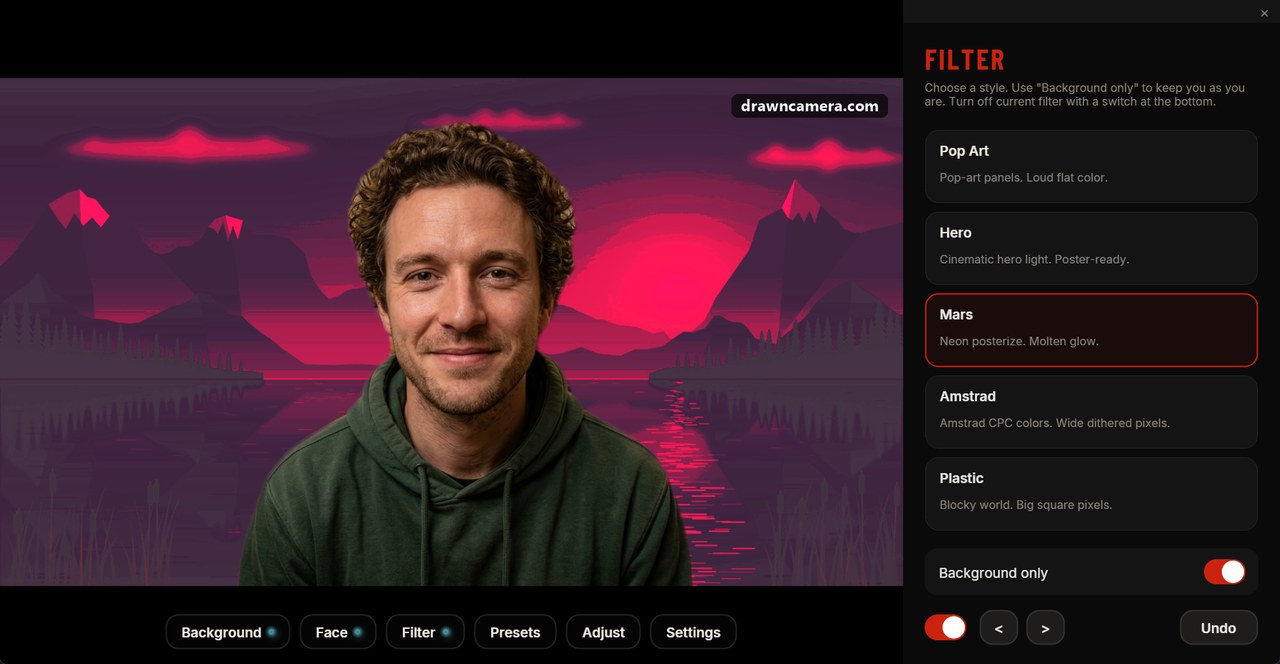
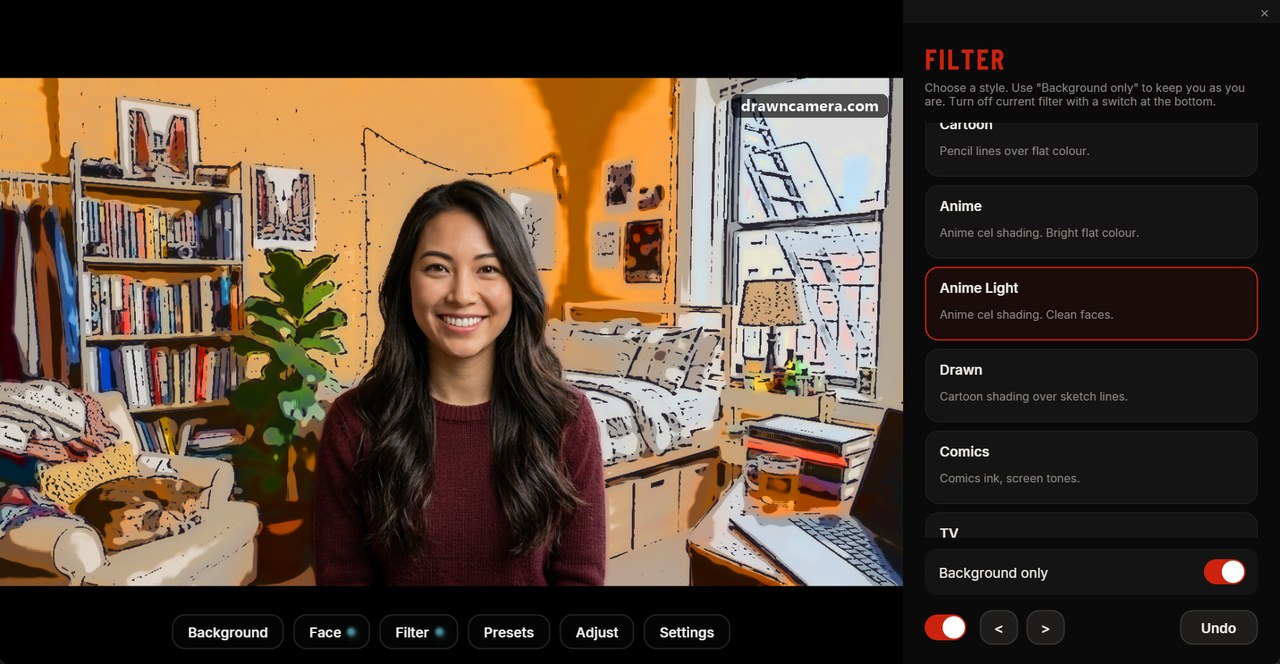
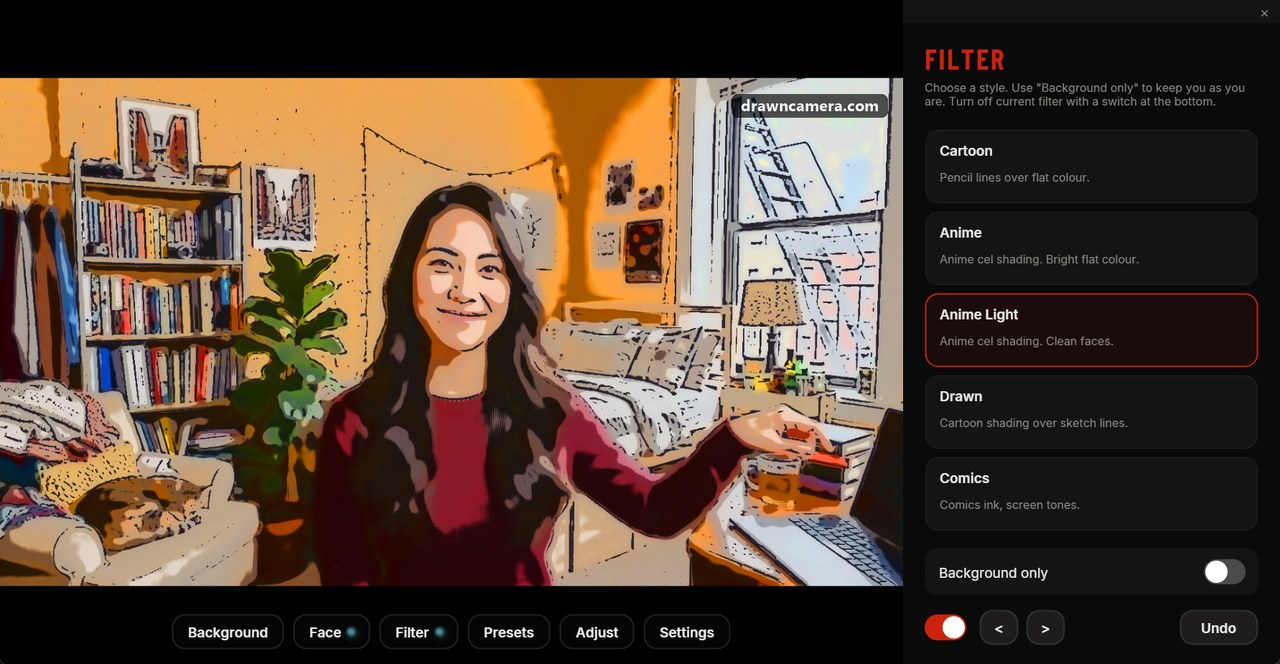
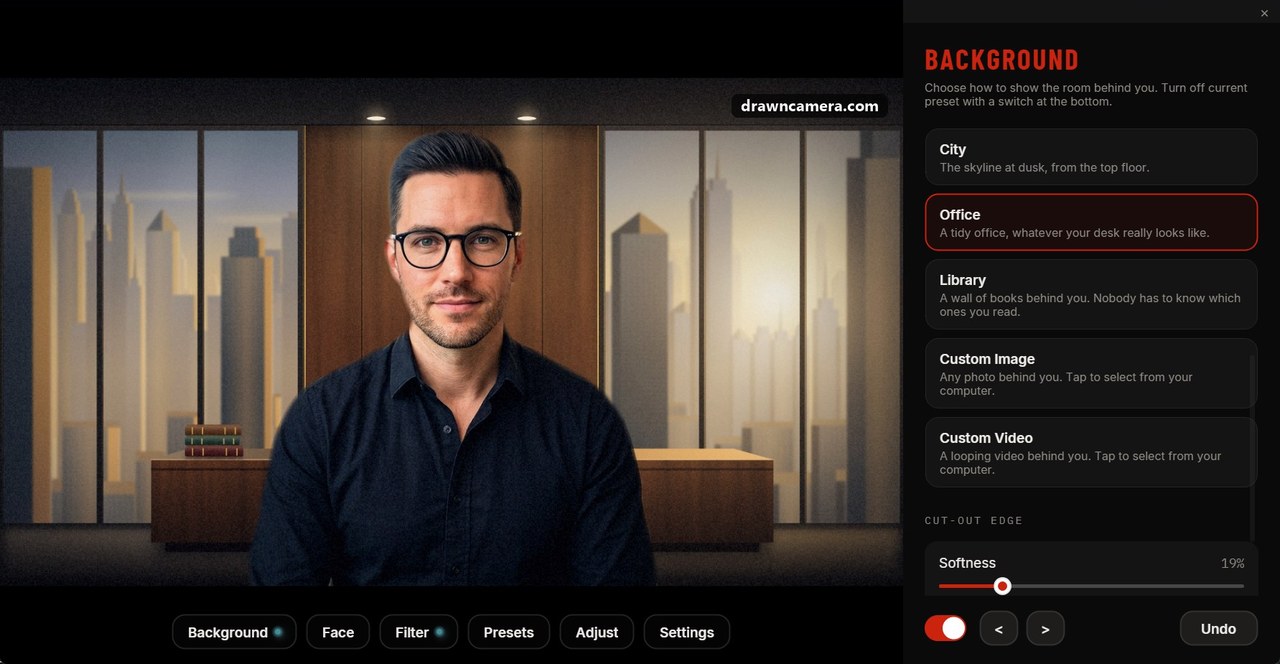
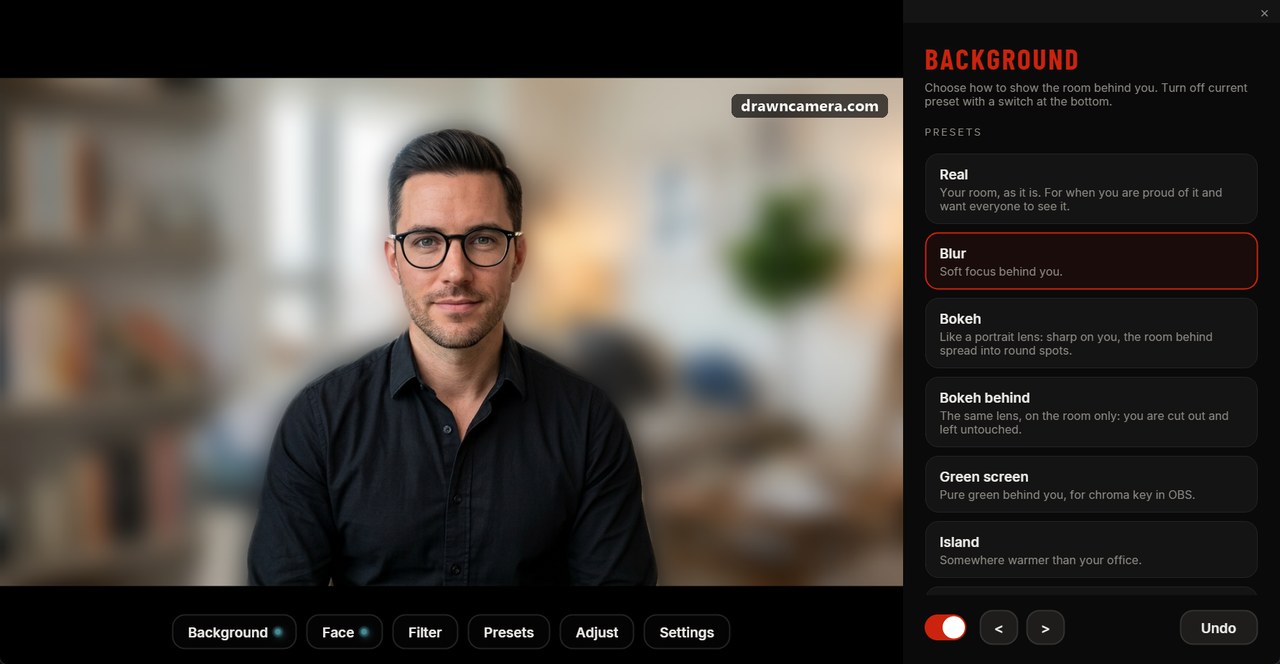
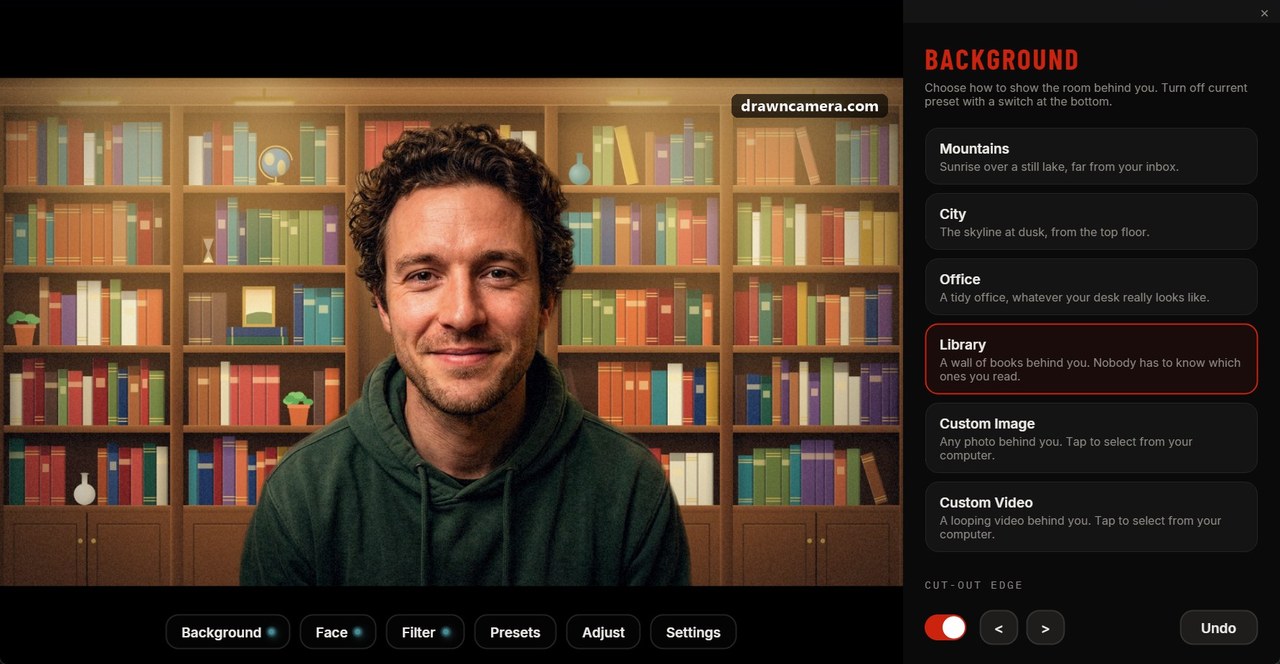
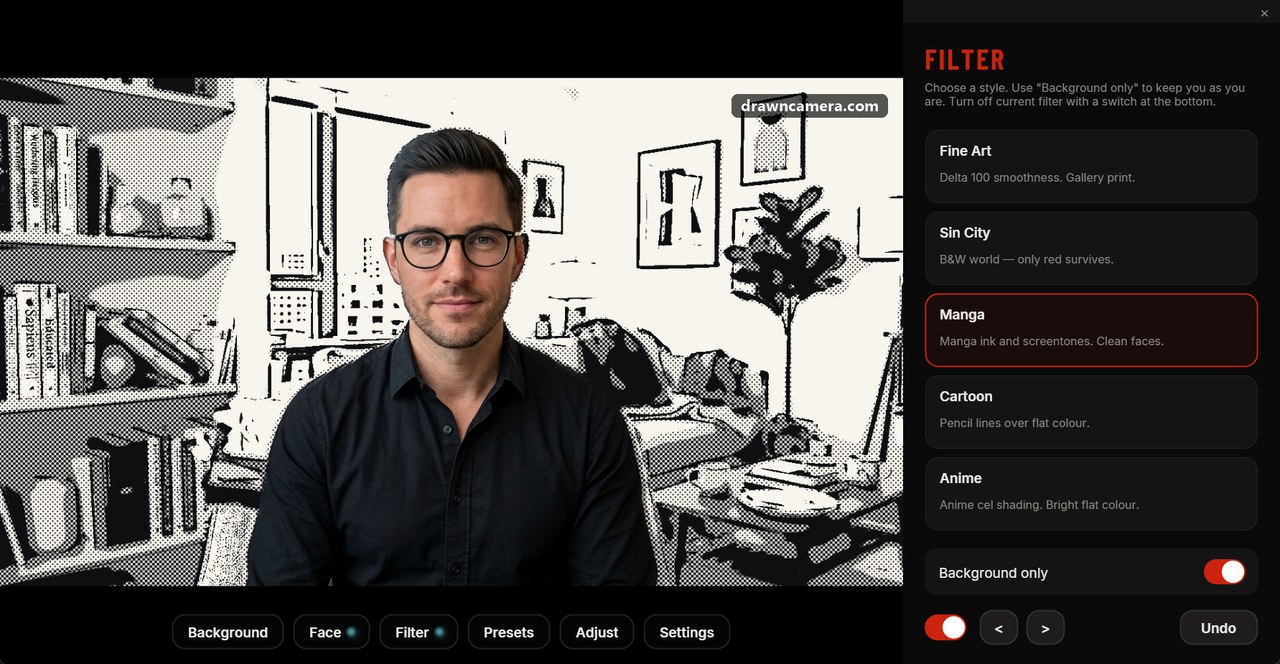
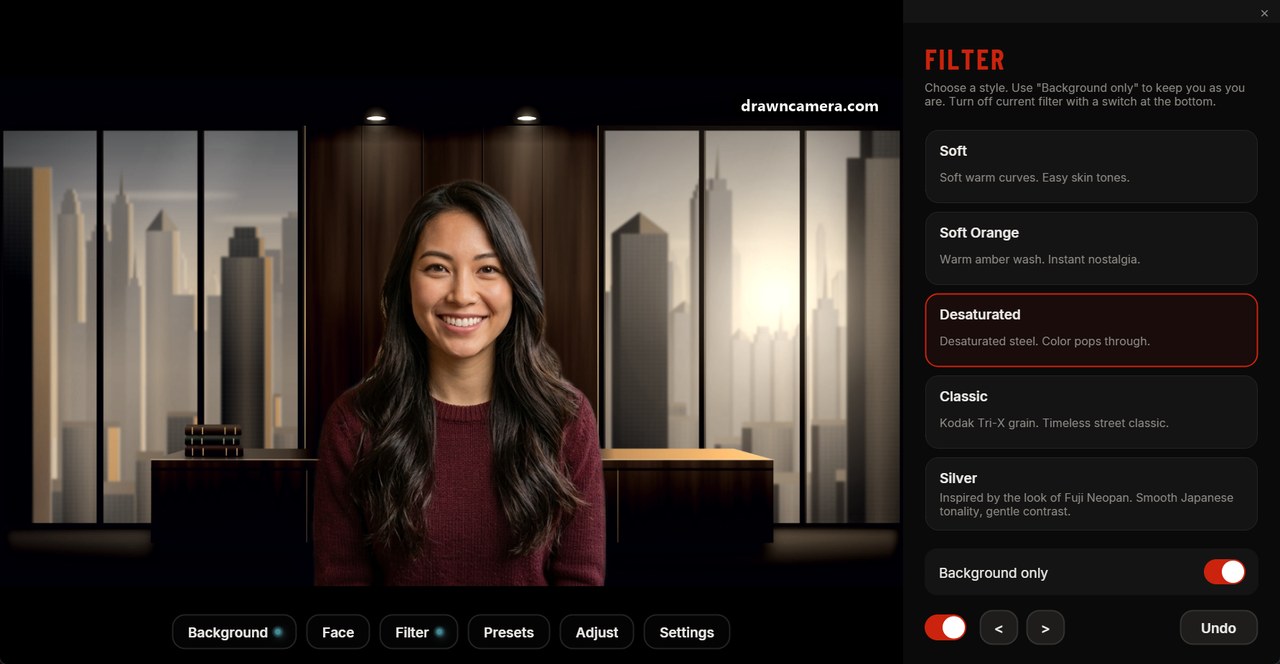
Dozens of filters range from film and cinema grades to anime, manga and comics. "Background only" applies them to the room while you stay exactly as you are. Behind you, the room can go soft like a portrait lens, turn into a library or an office, or be your own picture or video. For a soft room there are blur, bokeh and Bokeh behind, a lens blur on the room only.
A subtle retouch
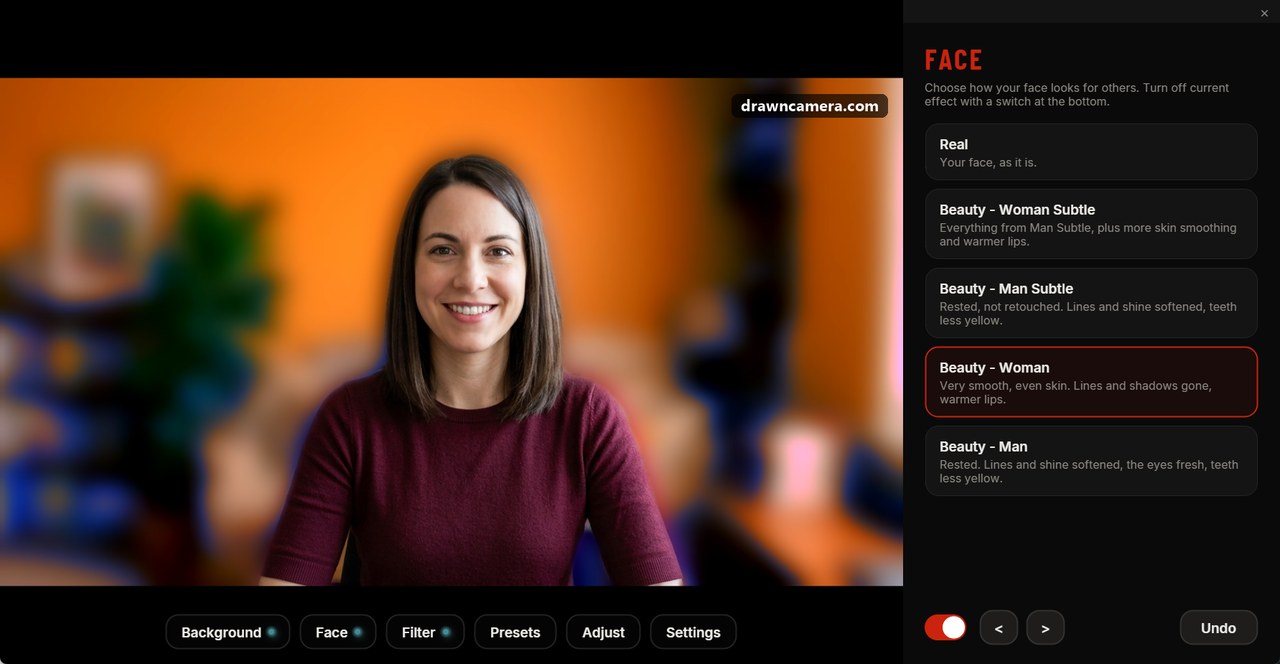
The Face panel has a subtle skin retouch for women and men, and stronger beauty looks.
Presets
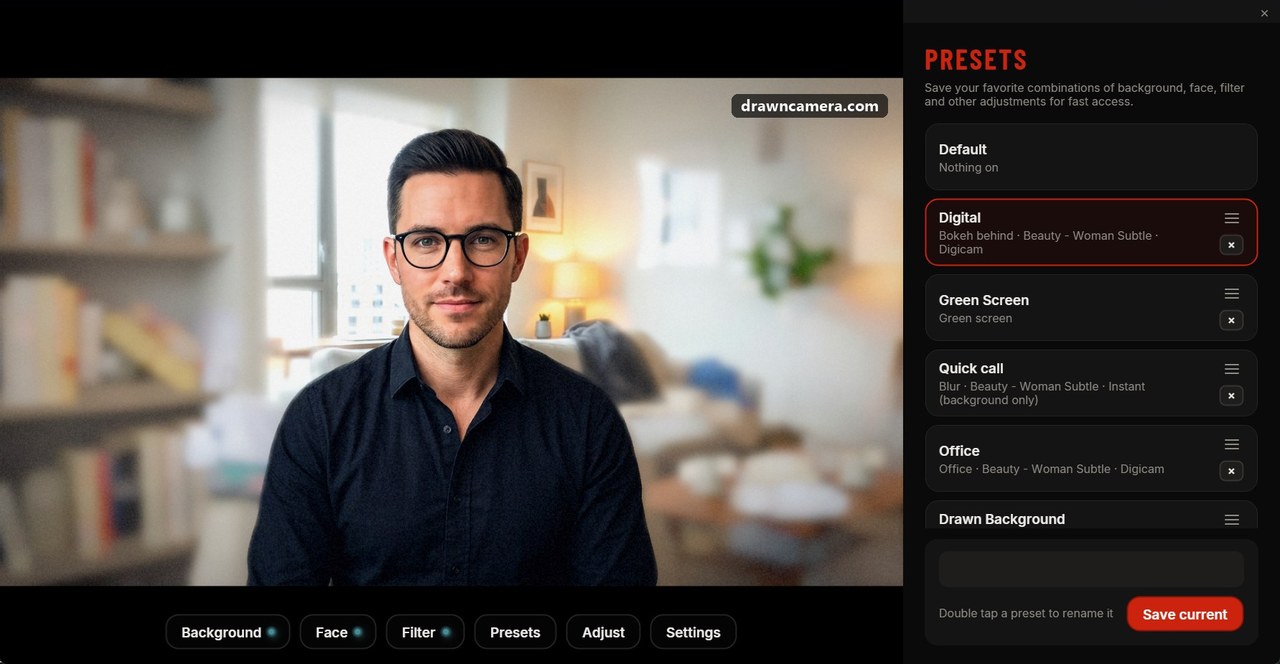
Pick a ready-made combination, or save your own in one click.
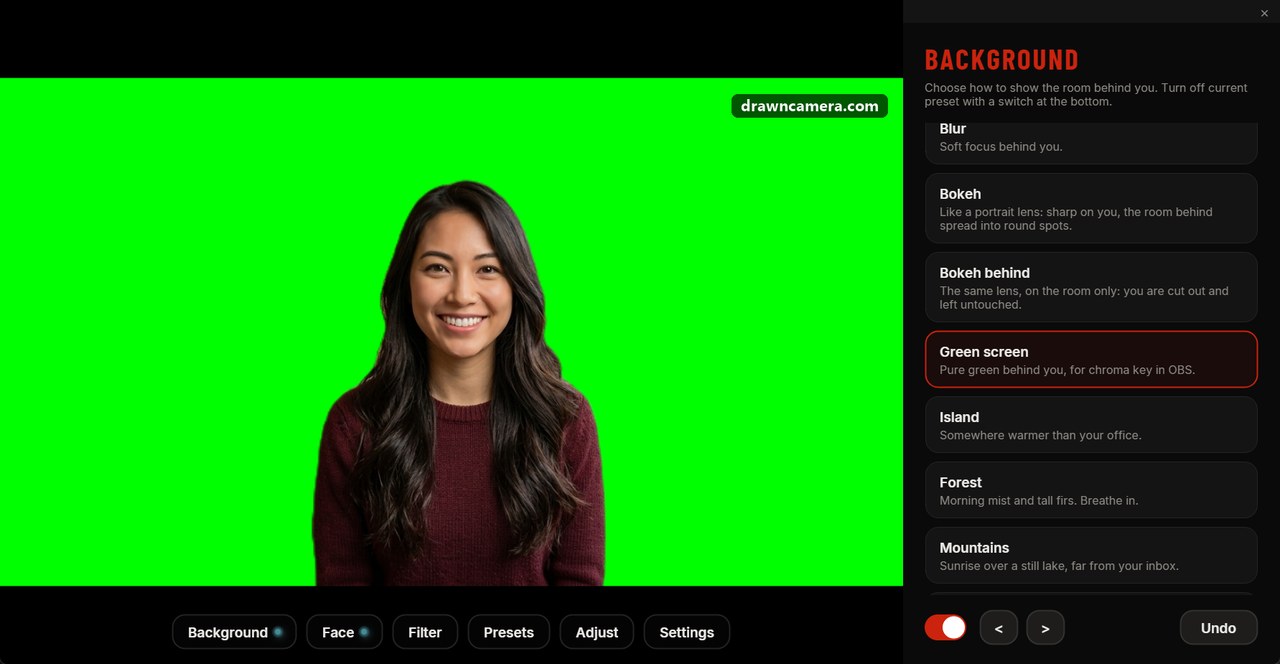
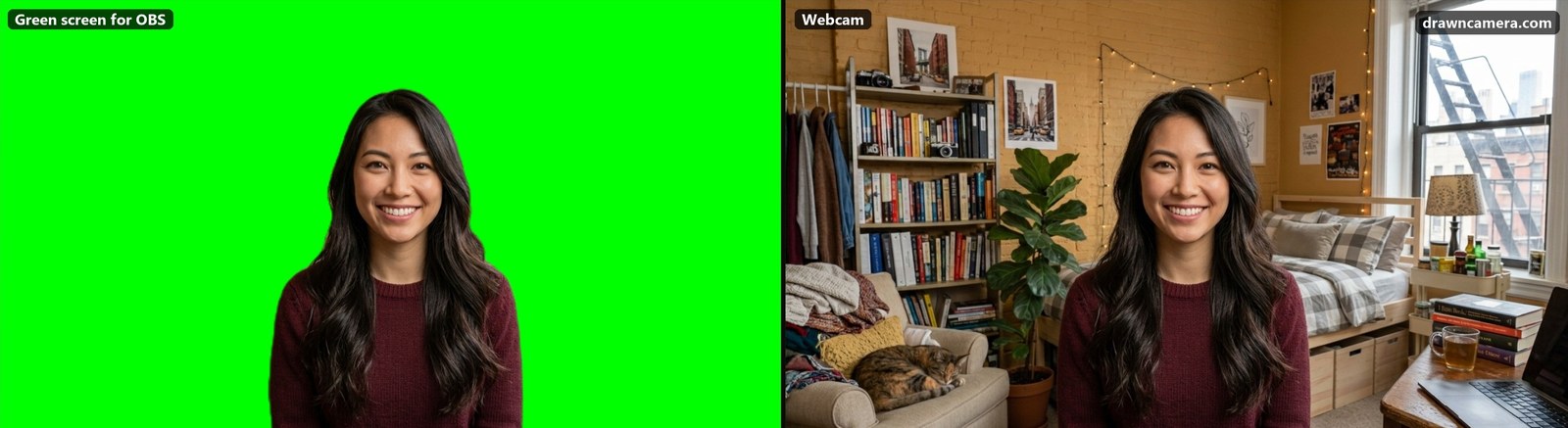
Green screen for OBS
The room behind you can also become a green screen for OBS.
Facts
| Works in | Zoom, Microsoft Teams, Google Meet, Discord, OBS and any app that uses a camera |
|---|---|
| Free plan | No time limit: the camera, blur, bokeh, Bokeh behind, green screen, the subtle face retouch, the image adjustments, and the Portrait and Digicam filters, with a small watermark |
| Graphics | Any DirectX 12 graphics card; NVIDIA, AMD and Intel all work |
| Premium | Every filter and face effect, your own backgrounds, your own camera name, no watermark. Unlocked for the first 30 days, then $29.99 a year or $4.99 a month |
| Languages | English, German, French, Spanish, Italian, Portuguese, Russian, Serbian, Japanese, Korean, Traditional Chinese |
| Platform | Windows 11, 64-bit |
| Website | drawncamera.com |
| Download | drawncamera.com/get |
| Press contact | [email protected] |
Short description
DrawnCamera turns any webcam into a better one. Choose "DrawnCamera" as your camera in any video call app and improve the picture of whatever webcam you have: fix soft focus with sharpness, adjust brightness, saturation and much more. Blur or replace your background, add a film, anime or manga look, apply subtle face retouching. Everything runs on your own PC, no cloud. Free plan available.
About the images
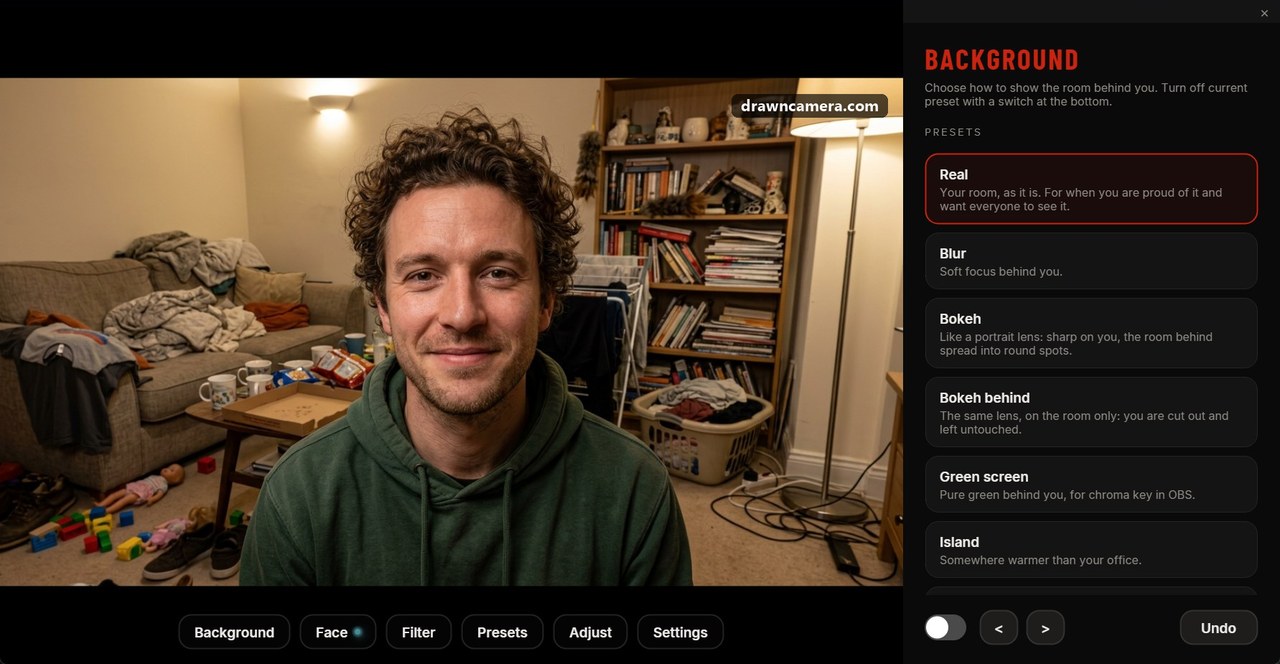
All screenshots are of the real app, taken on Windows 11. The people are AI-generated sample pictures used as the camera input, so no real person appears. Free to use in articles and reviews about DrawnCamera.
More screenshots